Skip to content
THE TELEPROMPTER THAT LETS YOU BE YOU.

Eyes on the camera.The right words
in the right place.

Your ideas deserve a natural take. Prepare your script, start the teleprompter and speak with confidence, at your own pace.

Try the preview
  • Free
  • Nothing to install
  • Private scripts
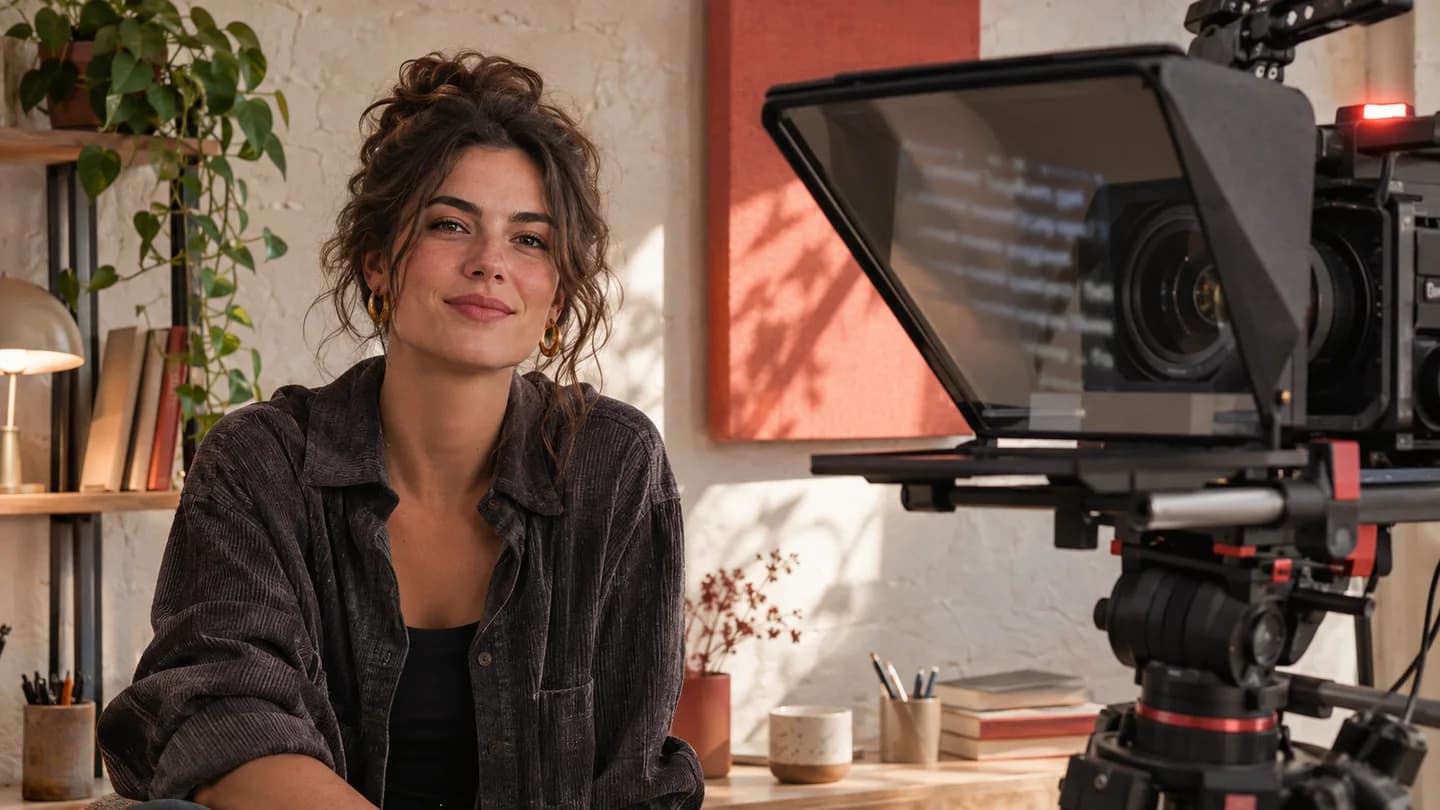
A creator facing a camera fitted with a teleprompter in a bright studio.
READY TO SHOOTYour voice. Your pace.Less hesitation, more presence.

Your script. Your voice. Your pace. Your presence.

WHY PROMPTERDEF

Fewer failed takes.
More presence.

On camera, the script is often the problem. Here is how PrompterDef solves it.

The problems

  • Your eyes drift to the page or the screen, and your audience notices.
  • Take after take fails over one forgotten word.
  • The text scrolls too fast, then too slow.
  • Teleprompter apps are paid, complicated or need installing.
  • Scripts are scattered across notes, emails and documents.
The benefits

  • Natural eye contact, without sounding like you’re reading.
  • Fewer takes, more time for editing.
  • The text follows your voice and waits while you breathe.
  • Free, in your browser, on a computer or a tablet.
  • All your scripts in one place, ready to share.

The features

  • Live speed control
  • Jump back 5 or 10 seconds
  • Horizontal and vertical mirror
  • Countdown before start
  • Voice-controlled scrolling
  • Keyboard shortcuts and Bluetooth remotes
  • Tags, sorting and per-column filters
  • Share by link: read-only or collaborative editing
  • Settings remembered for each script
FIND YOUR RHYTHM

Try it.
You already have the words.

Start scrolling, adjust the speed and pause. This little preview works without an account.

  • Play and pause in one click
  • A speed that suits you
  • Start over whenever you like
What about your own scripts?
TELEPROMPTER PREVIEWDemo script

Hello, and welcome to this new video.

Today, only one thing matters: keeping my eyes on you.

My script is ready. I breathe, I take my time… and I tell my story.

A hesitation? I pause, then simply pick up again.

Fewer takes. More natural. Your turn!

Hello, and welcome to this new video.

Today, only one thing matters: keeping my eyes on you.

My script is ready. I breathe, I take my time… and I tell my story.

A hesitation? I pause, then simply pick up again.

Fewer takes. More natural. Your turn!

FROM SCRIPT TO TAKE

Ready in three steps.

Prepare once. Find everything again at your next shoot.

  1. 01

    Write

    Paste or type your script. It saves automatically as you type.

  2. 02

    Organize

    Sort your projects with colored tags and find them again with filters.

  3. 03

    Start

    Full screen, countdown, and the text scrolls. Your settings are remembered.

CONTROL, WITHOUT THE COMPLEXITY

Focus on your message.

The right settings, always within reach.

Precise speed control

Fine-tune the speed while reading, with the slider or the ↑ ↓ arrow keys.

Rewind

Jump back 5 or 10 seconds to retake a sentence without starting over.

Horizontal and vertical mirror

Works with teleprompter glass and beam-splitter rigs.

Voice-controlled scrolling

Turn on the mic: the text moves at your reading pace and waits when you pause.

Countdown and readability

Up to 10 s to get in position; adjustable font, line height, margins and reading line.

Shared library

Tags, per-column sorting and filters, bulk actions. Share a script by link, read-only or for editing together.

EVERY STAGE IS YOURS

You have something to say.

A video, a podcast, a presentation. Keep your thread.

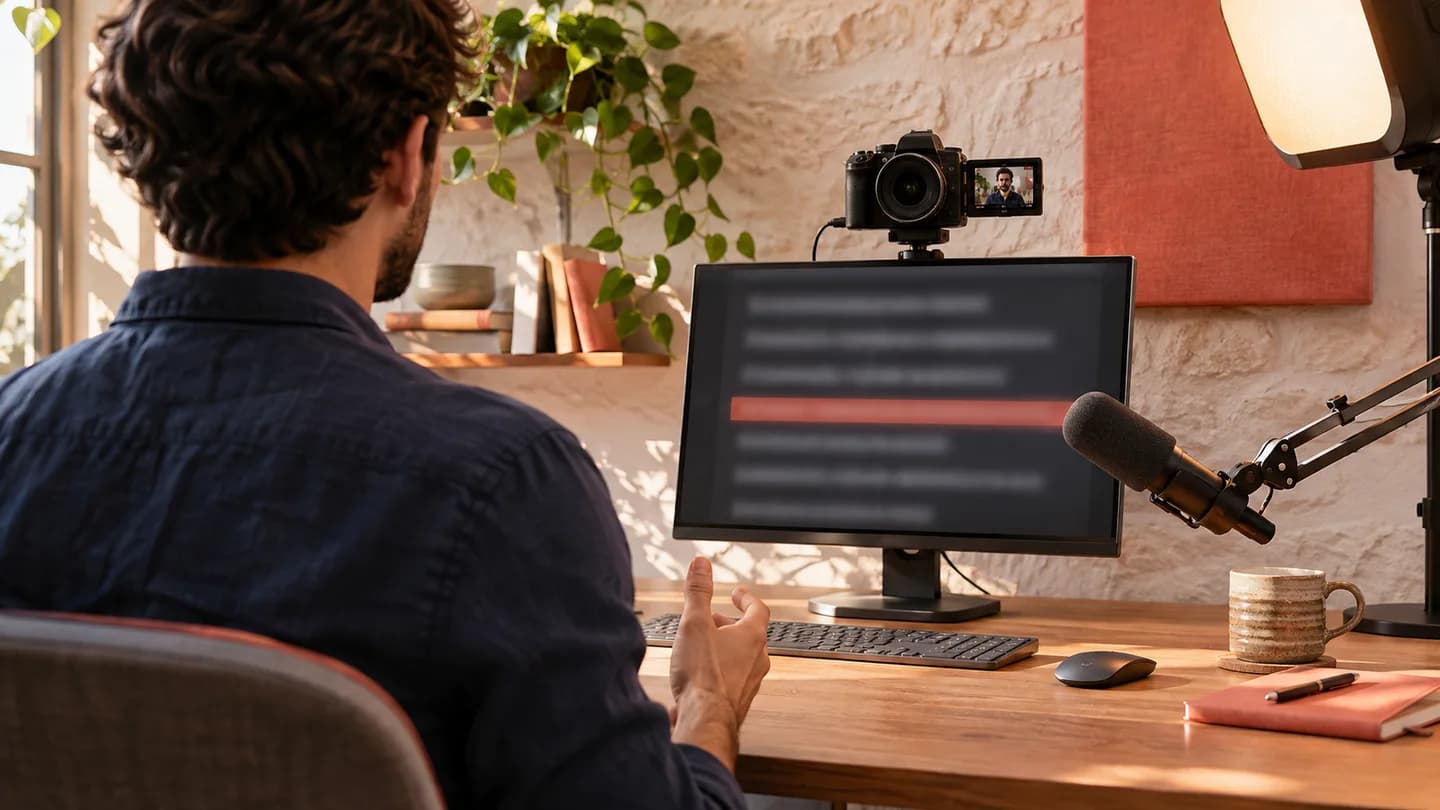
A creator preparing a video with a camera and a teleprompter on their desk.
01 / ON CAMERA

Talk to your audience.
Not to your notes.

YouTube videos, short formats and presentations: your script is there, and so is your eye contact.

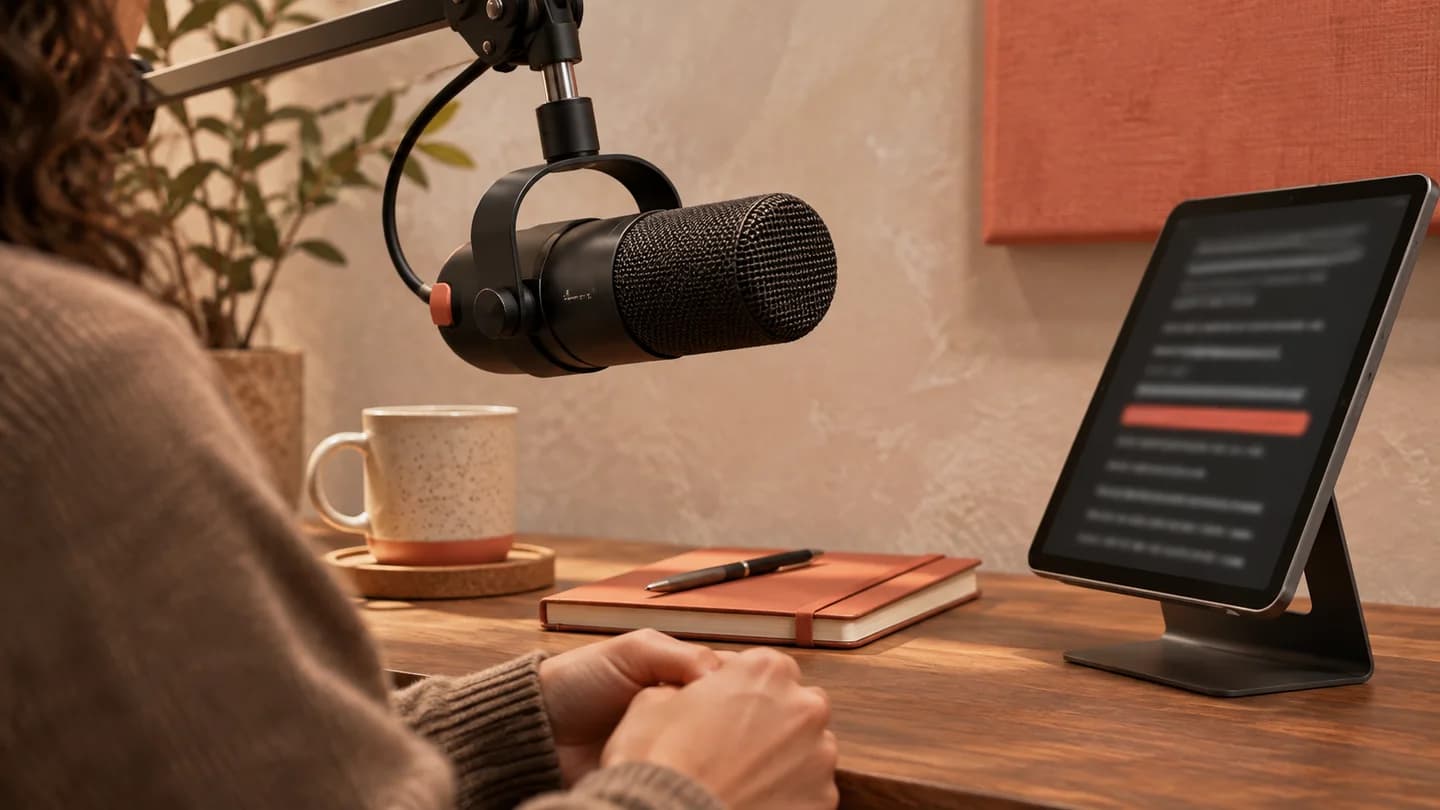
A microphone and a reading tablet in a warm podcast studio.
02 / ON THE MIC

Your words, at the pace
of your voice.

Intros, transitions and sponsor reads: stay natural without losing a line.

Video calls and presentations

Your talking points in view, without leaving the screen.

Professional shoots

On a tablet or a screen behind glass, in mirror mode.

HANDS FREE, ALMOST

Stay in control.
Even from a distance.

A keyboard or a Bluetooth remote is all you need to run your take. The essential controls quickly become second nature.

Play / pause
Space
Back / forward 5 s
←→
Back 10 s
Shift←
Speed
↑↓
Text size
+−
Voice-controlled scrolling
M
Horizontal / vertical mirror
HV
Full screen
F
Stop, back to the start
S
BEFORE YOU HIT REC

A few answers,
and off you go.

Everything you need to know for your first take.

Is PrompterDef free?

Yes. Just sign in with your Google account to save your scripts and run the teleprompter.

Do I need to install anything?

No, everything runs in the browser, on a computer or a tablet. Press F to go full screen.

Are my scripts private?

Yes. Each script belongs to your account and only you can see it, unless you turn on a share link. You can turn the link off or delete the script at any time.

How do I share a script?

In the editor, click “Share”. The read-only link lets anyone read the text and run the teleprompter without an account; the edit link lets several people edit the text after signing in with Google.

How does voice-controlled scrolling work?

Click the mic (or press M), then start reading: your browser’s speech recognition picks up the words you say and moves the text at your pace. Works in Chrome, Edge and Safari.

Can I use it with teleprompter glass?

Yes: turn on horizontal (H key) or vertical (V key) mirroring to match your rig.

Are my settings saved?

Speed, text size, mirroring, countdown and margins are saved for each script, so you can run it again exactly as last time.

YOUR TURN

Your next take,
your way.

One Google account. Your first script. And action.

Nothing to install · Your scripts stay private